
PRACTICAL DIGITAL GUIDE
Canva Template Income
$19.99 $39.99
A clear, beginner-friendly guide designed to help you understand the process and take practical action.
- Instant digital access after purchase
- Step-by-step, beginner-friendly guidance
- Read on your phone, tablet, or computer
- Secure checkout
Look inside the guide
Real pages from the guide. Tap a page to enlarge it and explore before you buy.


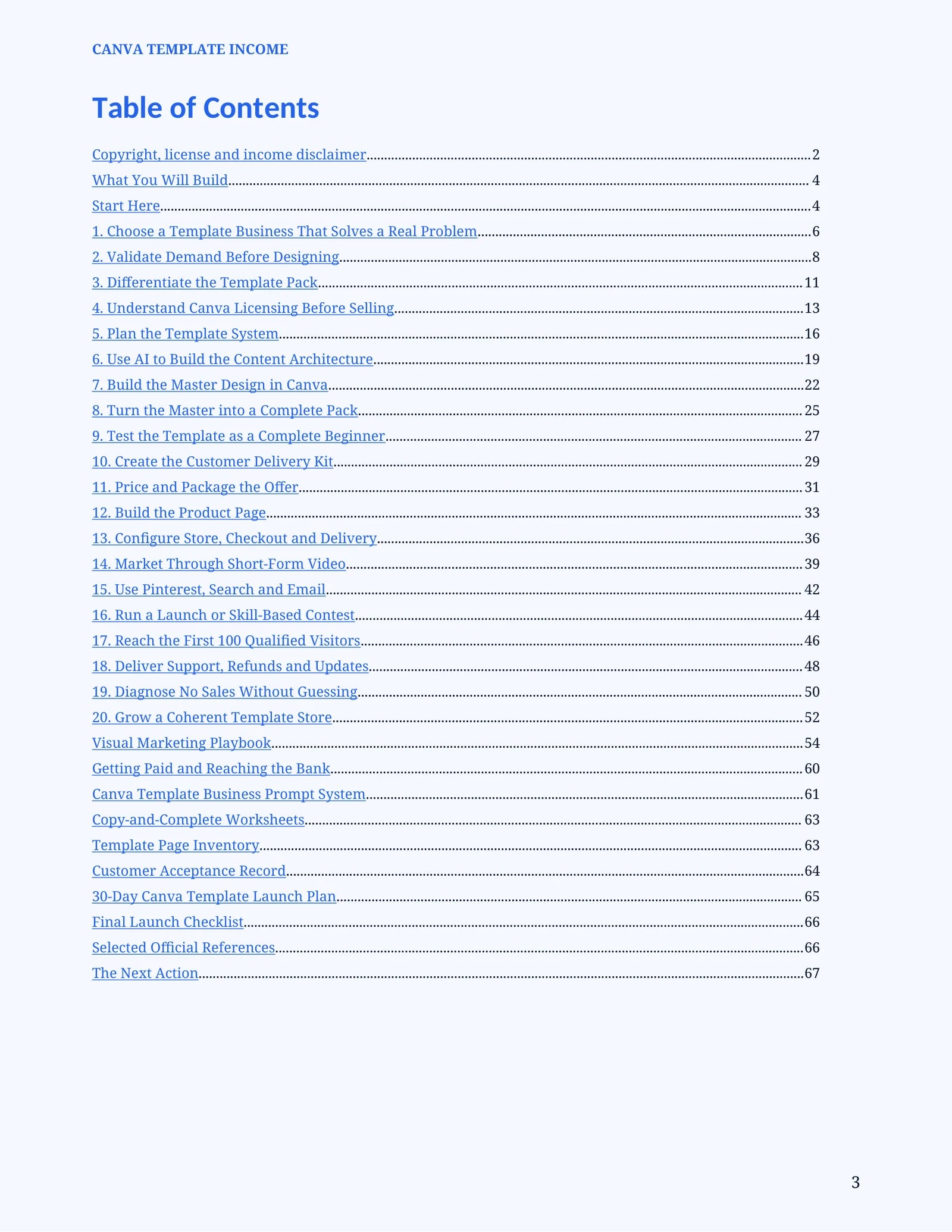
Explore the contents
Read sample as text
Page 6
1. Choose a Template Business That Solves a Real Problem
A template earns attention when it removes repeated work or improves a decision. “Pretty Instagram posts” is broad; “thirty editable posts for independent dog groomers promoting seasonal appointments” is observable and testable.
Step 1: Write five repeated tasks
List tasks the buyer performs every week or month: scheduling posts, pricing services, preparing proposals, planning lessons or sending client reports. A repeatable task is stronger than a general interest.
Step 2: Choose one buyer situation
Describe what happened immediately before the search, what the buyer tried and what finished result is needed. Avoid targeting “everyone who uses social media.”
Step 3: Define the saved effort
State which decisions, writing, measurements or formatting the template completes and which work still remains with the buyer.
COMPLETION CHECK: You can name one buyer, one repeated task and one visible result.
Page 7
Do This on the Screen
Open a blank brief and complete this sentence: “When [specific person] needs to [repeated task], this pack helps them produce [finished output] without [main obstacle].” List the exact files the buyer will open and the first action taken after purchase. If the result cannot be seen, saved, published or printed, narrow it. Search for the buyer’s actual language and record evidence separately from AI suggestions.
Worked Example
Running example: instead of “social media templates,” choose “a 30-post appointment campaign for independent dog groomers.” The owner receives education, seasonal offer, before-and-after, FAQ and reminder layouts. The finished result is a month of editable posts, not simply a folder of attractive graphics.
YOUR OUTPUT: Complete the chapter evidence in your own project folder before moving to the next chapter.
Secure checkout with Digistore24. Refund terms are shown at checkout.
Turn your creativity into a digital income stream by designing and selling Canva templates—even if you are a complete beginner.
Canva Template Income is a practical, step-by-step guide that shows you how to create professional templates, package them as digital products, choose profitable niches, set attractive prices, and sell them online.
Inside, you’ll learn how to:
• Find profitable template ideas people are searching for
• Choose the right Canva dimensions and layouts
• Create professional templates using simple design principles
• Use AI to generate ideas, text, and creative content
• Build reusable templates for social media, businesses, planners, and more
• Package and deliver Canva templates correctly
• Create attractive product images and mockups
• Price your templates for profit
• List and sell your products online
• Promote your templates through social media
• Avoid common beginner mistakes
No previous design or business experience is required. Every stage is explained in clear, practical steps so you can confidently move from your first idea to a finished Canva template ready for sale.
Format: Digital PDF guide
Delivery: Instant download after purchase
Language: English